THE NUMBER
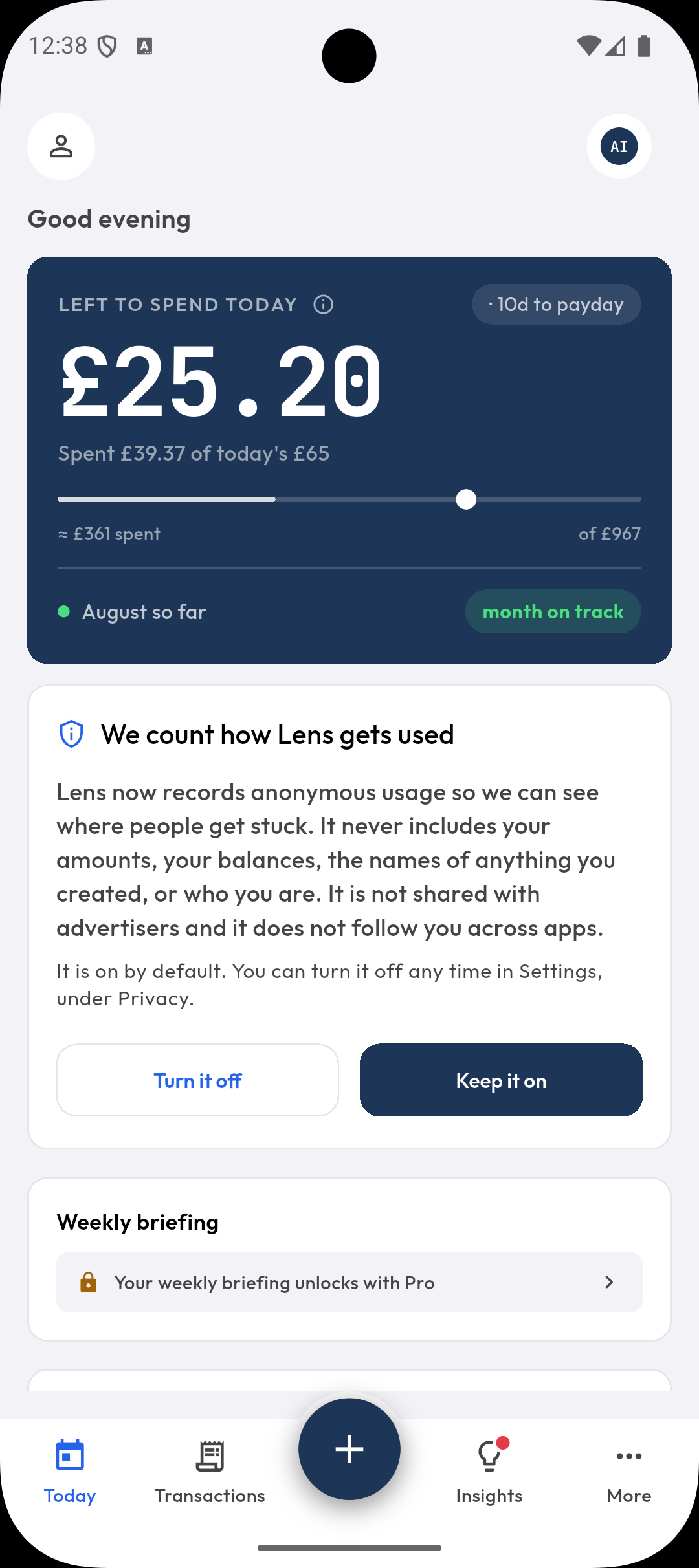
What is left to spend today?
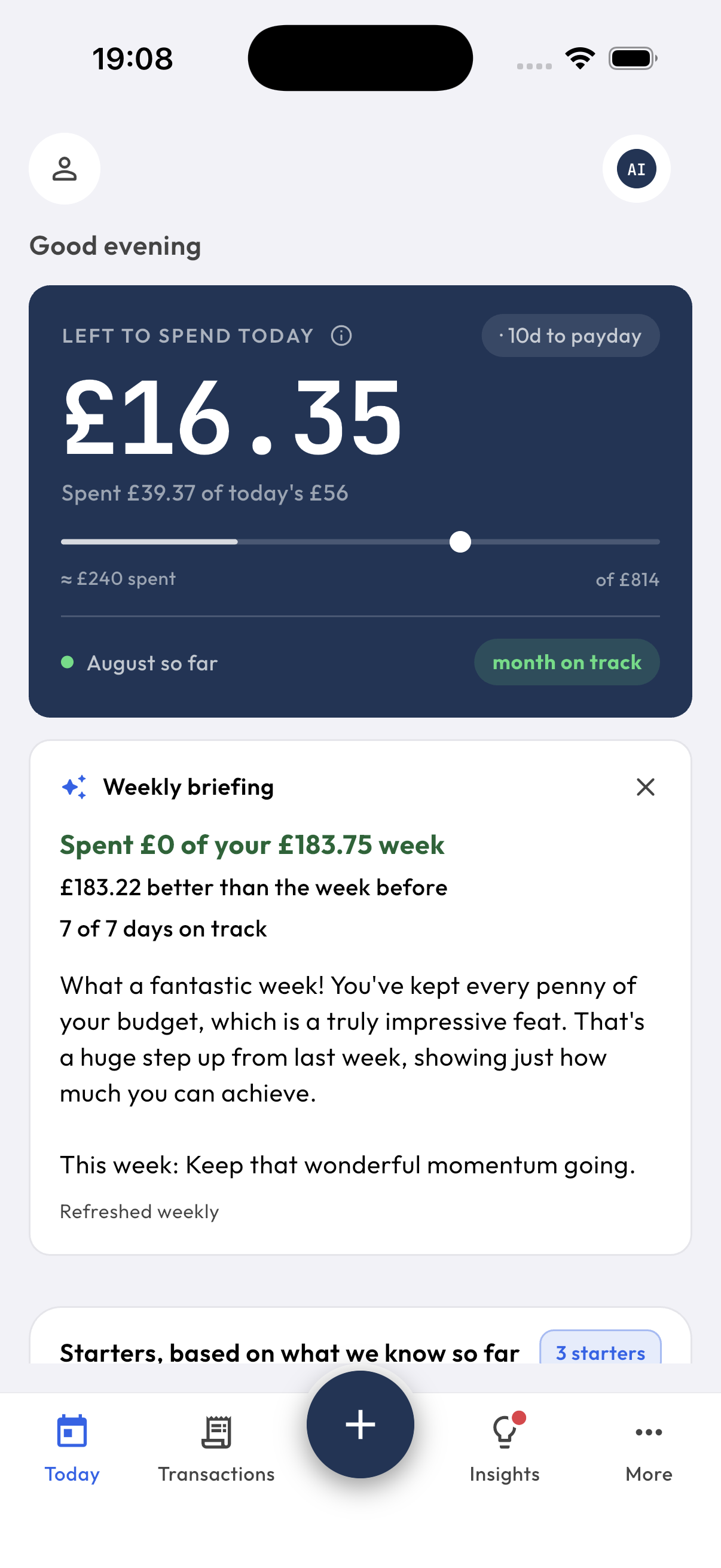
Left to spend today is the amount you can spend after your bills, savings and goals are already covered. Each morning Lens sets aside every upcoming bill, funds your goals, then spreads what remains across the days left until payday. The result is frozen for the day, so the figure does not move under you.
(left until payday - bills - savings - goals)
÷ days to payday = today's number
- A days-to-payday countdown and a spend-pace indicator against the month.
- A this-week chart, and watch-this-week: what is about to go wrong.
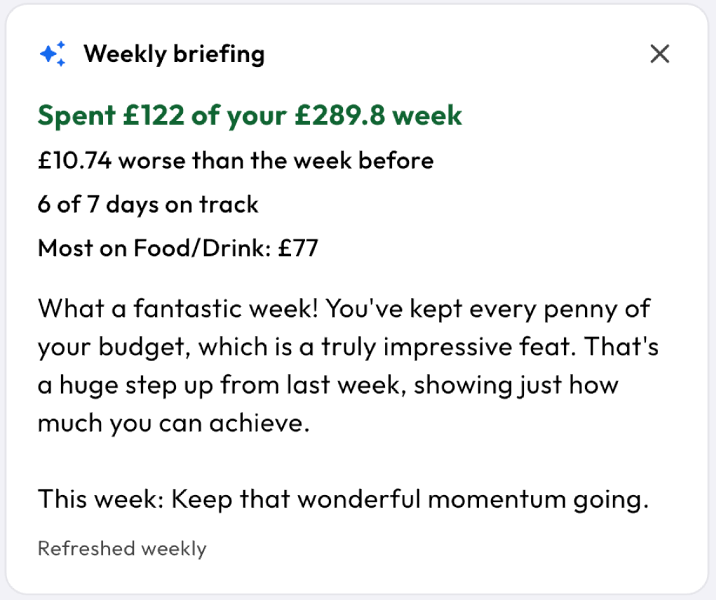
- An insight a day free. A weekly briefing and the full insights feed with Pro.
£10.63
Spent £39.37 of today's £50
The real Today card. Drag the slider and watch the day react.
GETTING STARTED
From install to your first number
01
Install and open
No account, no sign-up, no login. Pick your currency and your payday, and you are in.
02
Add accounts and bills
Type them in, import a CSV in Lens's own layout (Date, Type, Category, Amount, Description, Notes), or turn on bank sync on iPhone. Recurring bills are unlimited, because the number is only right if every bill is captured.
03
Read your number
Lens funds your bills, savings and goals, then tells you what is left to spend today. That is the whole job.
Every morning after that
Lens processes your recurring bills, checks your pace against the month, freezes today's number, and can nudge you with a morning reminder. Open the app, ask Siri, or glance at the widget.
Good morning
£12.05 left to spend today. Payday is Friday, and you are £6 behind pace.
The 8am nudge, optional and off by default.
HANDS FREE
Talk to it. Siri does the typing.
Log a spend at the till, check your number on the walk home, ask what bills are coming. App Intents and Shortcuts are built in, so Lens answers without you unlocking anything.
“Check my number in Lens”
£24.60 left to spend today. 5 days to payday.
BANK SYNC
Bank sync without handing over your bank login
On iPhone, Lens reads Wallet-connected accounts through Apple's FinanceKit, on the device. The transactions are never sent to Lens or to any third-party aggregator, because the reading happens on your phone. Balance anchoring and duplicate detection keep the numbers honest, and pull to refresh brings in the latest. Bank sync is a Pro feature.
Before you rely on it: bank sync requires an iPhone with iOS 17.4 or later (UK connected cards need 18.4 or later), cards connected in Apple Wallet, and Apple only offers this for banks in the UK and US for now, so not Japan yet. Everywhere else, a monthly CSV import covers the same ground. Lens reads its own layout, so rename your bank's columns to match first. Importing works with Pro and on the earlier free plan.
Bank Sync
LINKED ACCOUNTS
1 Graduate Account
NatWest
Last synced 21 Aug 2026 19:31
Syncing happens on your phone. Your bank data comes from Apple Wallet straight into Lens, and the sync sends nothing to a server.
The Bank Sync screen, rebuilt live. Press Sync now.
How the three kinds of budgeting app compare
| Lens | Aggregator-based apps | Manual-only apps | |
|---|---|---|---|
| How transactions get in | Read on your iPhone by FinanceKit, or typed, scanned, spoken or imported | Pulled from your bank by a third-party aggregator | Typed in by hand |
| Your bank login | Never shared | Shared with the aggregator | Never shared |
| Who holds your history | Your device | The aggregator's servers and the app's servers | Usually the app's servers |
| Effort by week three | Low. The number keeps itself | Low | High. Most people stop |
| Availability | iPhone and Android. Bank sync iPhone only (iOS 17.4 or later), not in every country | Depends on aggregator coverage of your bank and country | Anywhere |
PRIVACY
How private is Lens?
Lens keeps your finances in a local database on your device, and there is no Lens cloud database of your money. There is nothing to sign up for, so there is nothing to log in to and no profile of you to build.
- No account, no sign-up, no login.
- No ads. Your data is not sold.
- No advertising identifier and no tracking across apps.
- Anonymous product analytics, on by default, switchable off in Settings → Privacy.
- Face ID, Touch ID and PIN lock. Local backup and restore.
The full detail lives in the privacy policy.
What can leave your phone
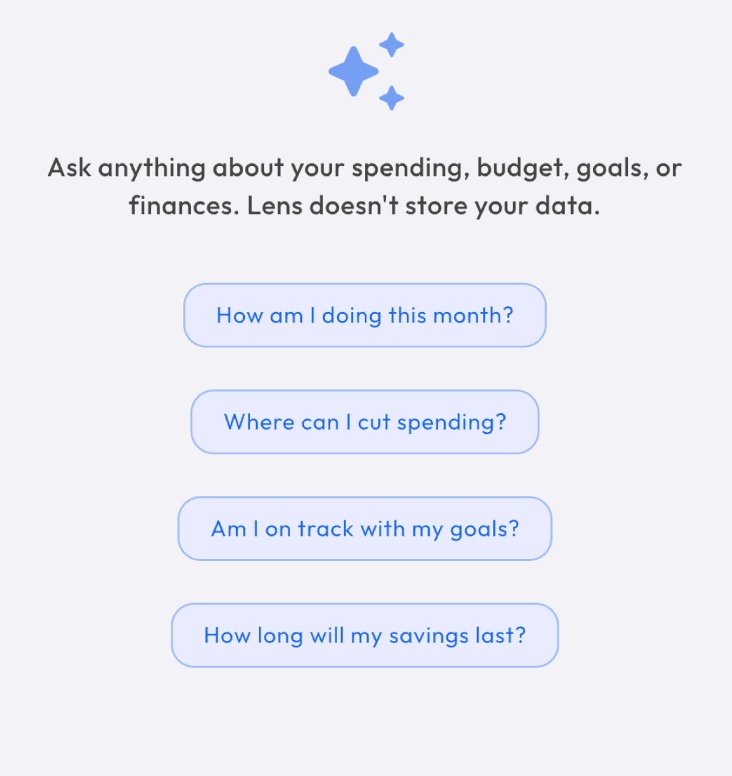
Only the optional extras you choose. Ask AI, receipt reading and the weekly briefing send nothing until you've agreed in the app, then send only what each one needs (your question, the receipt, or a few of your own figures) through Lens's Cloud Function to Google Gemini. Lens doesn't keep your questions, your receipts or Ask AI's answers. Live investment prices and stock search, when you use them, send only ticker symbols or your search text, never amounts.
Ask AI
0 / 100 AI actions used this month
A real Ask AI session, replayed. Pro, with 100 AI actions a month and up to 20 a day.
WHAT IT NOTICES
Runway, and the things you would not spot
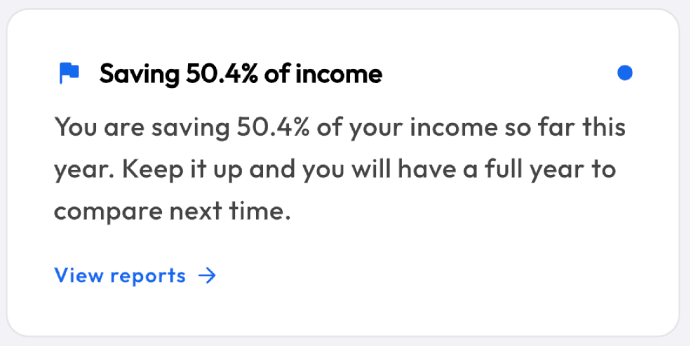
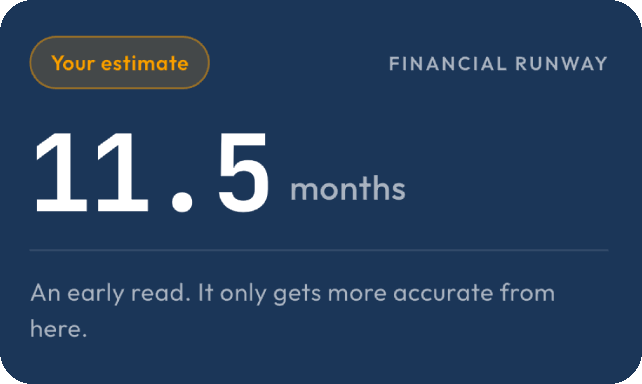
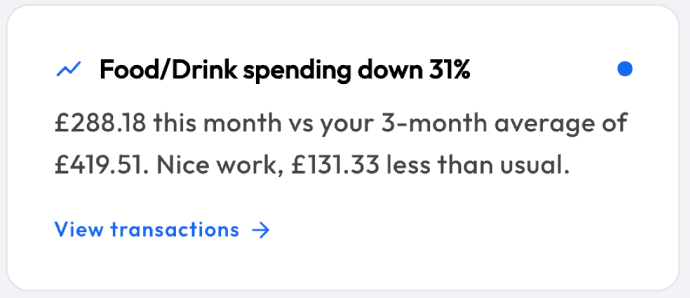
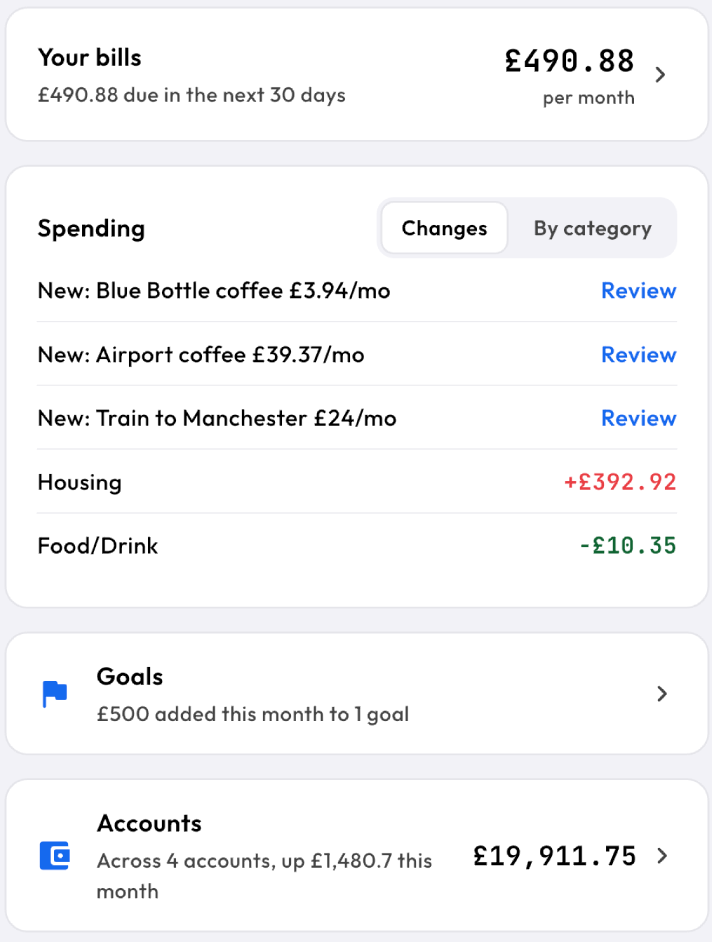
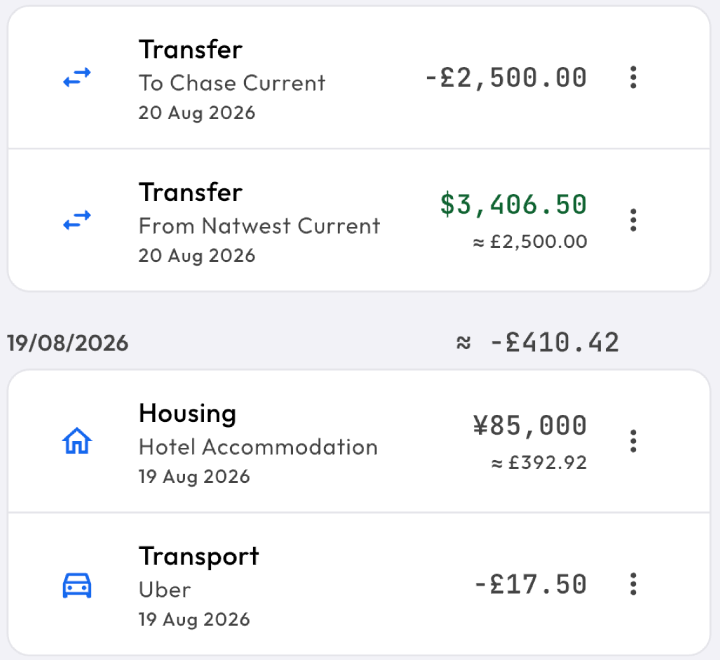
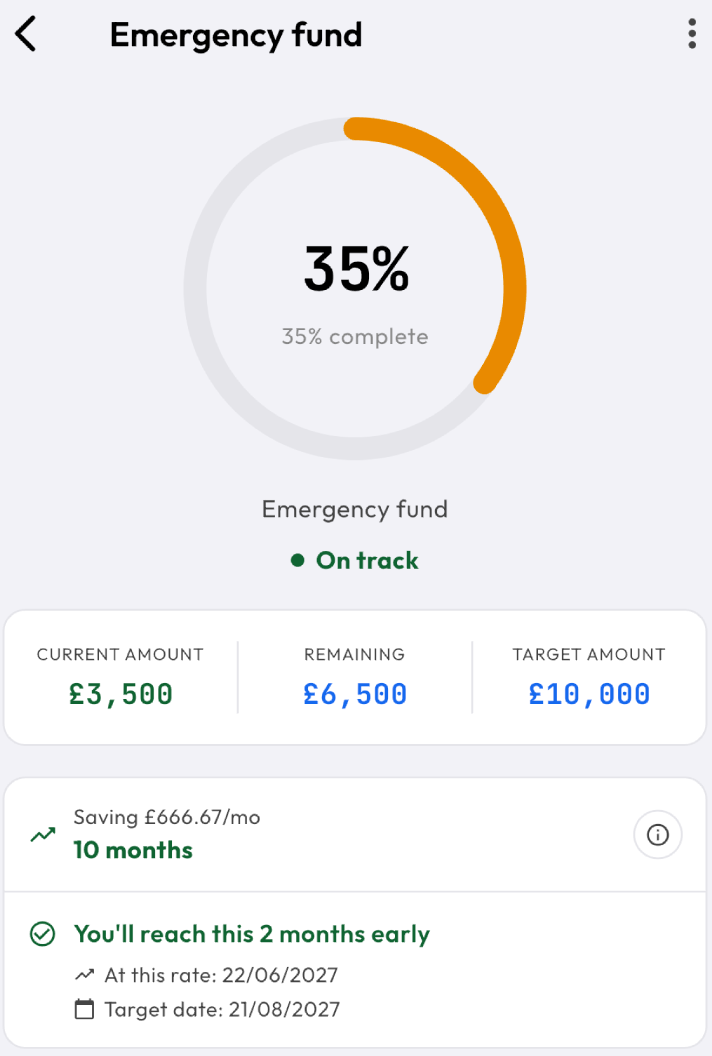
How long your money lasts at your current pace, plus a quiet read on your own patterns. An insight a day free, the full feed with Pro.
FINANCIAL RUNWAY
How long your money actually lasts.
Your liquid balance against what you really spend, read as months of cover. It starts as an estimate and sharpens every month you keep using Lens.
THE WHOLE APP
Everything Lens does
Here is the whole app, side by side. Pro is what the 30-day free trial gives you. The earlier free plan is what people who used Lens before the trial keep until its end date.
| FEATURE | EARLIER FREE PLAN | PRO |
|---|---|---|
| The daily numberLeft to spend today, frozen each morning, pace and payday countdown | Everything | Everything |
| Recurring billsNo cap on how many, processed automatically | Unlimited | Unlimited |
| Accounts and net worth14 account types, assets and liabilities, net worth | 3 accounts | Unlimited |
| GoalsMonthly targets, funded before the daily number | 3 goals | Unlimited |
| Category budgetsPer-category limits with progress | 5 budgets | Unlimited |
| Transactions inManual entry, Siri voice, CSV import in Lens's own layout | Included | Included |
| Receipt scanningOn-device OCR plus AI parsing | On-device OCR | 100 AI actions a month, up to 20 a day |
| CSV exportYour transactions out, any time | Not included | Included |
| CategoriesAutomatic merchant categorisation | Defaults | Custom categories |
| ReportsMonth story, category donut, pace line, comparisons | This month | Last month and Year to date |
| InsightsRunway, patterns, category trends | One a day | Full feed and weekly briefing |
| Bank syncApple FinanceKit on the device, no aggregator | Not included | iPhone, iOS 17.4 or later |
| Ask AIQuestions about your own money | Not included | 100 AI actions a month, up to 20 a day |
| PrivacyLocal database, no account, no ads, no tracking | Always | Always |
| PlatformWidgets, Lock Screen, Face ID, backup, multi-currency, en-GB and ja | Included | Included |
The daily number
Left to spend today, frozen each morning, pace and payday countdown
- EARLIER FREE PLAN
- Everything
- PRO
- Everything
Recurring bills
No cap on how many, processed automatically
- EARLIER FREE PLAN
- Unlimited
- PRO
- Unlimited
Accounts and net worth
14 account types, assets and liabilities, net worth
- EARLIER FREE PLAN
- 3 accounts
- PRO
- Unlimited
Goals
Monthly targets, funded before the daily number
- EARLIER FREE PLAN
- 3 goals
- PRO
- Unlimited
Category budgets
Per-category limits with progress
- EARLIER FREE PLAN
- 5 budgets
- PRO
- Unlimited
Transactions in
Manual entry, Siri voice, CSV import in Lens's own layout
- EARLIER FREE PLAN
- Included
- PRO
- Included
Receipt scanning
On-device OCR plus AI parsing
- EARLIER FREE PLAN
- On-device OCR
- PRO
- 100 AI actions a month, up to 20 a day
CSV export
Your transactions out, any time
- EARLIER FREE PLAN
- Not included
- PRO
- Included
Categories
Automatic merchant categorisation
- EARLIER FREE PLAN
- Defaults
- PRO
- Custom categories
Reports
Month story, category donut, pace line, comparisons
- EARLIER FREE PLAN
- This month
- PRO
- Last month and Year to date
Insights
Runway, patterns, category trends
- EARLIER FREE PLAN
- One a day
- PRO
- Full feed and weekly briefing
Bank sync
Apple FinanceKit on the device, no aggregator
- EARLIER FREE PLAN
- Not included
- PRO
- iPhone, iOS 17.4 or later
Ask AI
Questions about your own money
- EARLIER FREE PLAN
- Not included
- PRO
- 100 AI actions a month, up to 20 a day
Privacy
Local database, no account, no ads, no tracking
- EARLIER FREE PLAN
- Always
- PRO
- Always
Platform
Widgets, Lock Screen, Face ID, backup, multi-currency, en-GB and ja
- EARLIER FREE PLAN
- Included
- PRO
- Included
PRICING
What does Lens cost?
The monthly and yearly plans start with a 30-day free trial. Prices are set by the App Store and Google Play, in your own currency.
30-day free trial
Free
- Everything in Pro, on the monthly or yearly plan
- A reminder before it ends
- Cancel before the end and pay nothing
- If you don't carry on, Lens goes read-only
- Nothing you entered is ever deleted
- Lifetime is a one-off purchase, with no trial
Pro
30 days freePrices are set by the App Store and Google Play, in your own currency.
- Unlimited accounts, goals and budgets
- Bank sync on iPhone for UK and US banks (iOS 17.4 or later)
- AI receipt scanning and Ask AI, 100 AI actions a month (up to 20 a day)
- CSV export and custom categories
- Last month and Year to date reports
- Weekly briefing and the full insights feed
Lens keeps growing, and lifetime includes Pro features that do not exist yet.
Prices are set by the App Store and Google Play and include tax where it applies.

Cancel any time from your App Store or Google Play account.
QUESTIONS
FAQ
The things people ask before they download.
Does Lens need my bank login?
No, Lens never asks for your bank login or credentials. On iPhone, optional bank sync reads Wallet-connected accounts through Apple's FinanceKit, on the device, so nothing is shared with Lens or any third-party aggregator. It requires iOS 17.4 or later (UK connected cards 18.4 or later), cards connected in Apple Wallet, and a bank in the UK or US.
Does Lens work on Android?
Yes, Lens is available for both iPhone and Android. Bank sync uses Apple's FinanceKit and is iPhone only. On Android, quick manual entry, automatic categorisation and CSV import in Lens's own layout cover the same ground.
Is my data encrypted?
Your data is stored in a local database on your device, and Lens keeps no cloud database of your finances. The app can be locked with Face ID, Touch ID or a PIN. If you use the optional AI features, your question and a financial snapshot are sent to Google Gemini to answer it.
What does the AI see?
If you ask the optional AI a question, your question and a snapshot of your financial data are sent to Google Gemini to answer it. AI is a Pro feature with 100 AI actions a month and up to 20 a day, and requests go through a Lens Cloud Function that holds the key server-side. If you never use AI, no AI request is ever made.
What happens if I stop paying for Pro?
Nothing is deleted. Your data stays on your device and Lens goes read-only: you can still open it, see everything, export it as a backup or a CSV and delete it. Adding or editing, budgets and recurring items included, needs Pro, and bank sync pauses until you subscribe. If you were using Lens before the free trial arrived, you go back to the earlier free plan until its end date instead, with 3 accounts, 3 goals and 5 category budgets.
Can I export my data?
Yes, Lens exports your transactions to CSV with Pro, and also while it is read-only, and local backup and restore is built in whether or not you have Pro. CSV import comes with Pro and with the earlier free plan.
What does Lens cost?
The monthly and yearly plans of Lens Pro start with a 30-day free trial, and a one-off lifetime option is available too. Prices are set by the App Store and Google Play, in your own currency.
Which countries does bank sync work in?
The UK and US, on iPhone. Bank sync reads cards connected in Apple Wallet through Apple's FinanceKit, and Apple only offers that for banks in those two countries for now, so it doesn't work with banks in Japan yet, whichever language you use Lens in. It needs iOS 17.4 or later (UK connected cards need 18.4 or later). Everywhere else, CSV import and manual entry work fully.

How much can you spend today?
Find out this morning. 30 days free, no account, no sign-up.
“Check my number in Lens” · just ask Siri